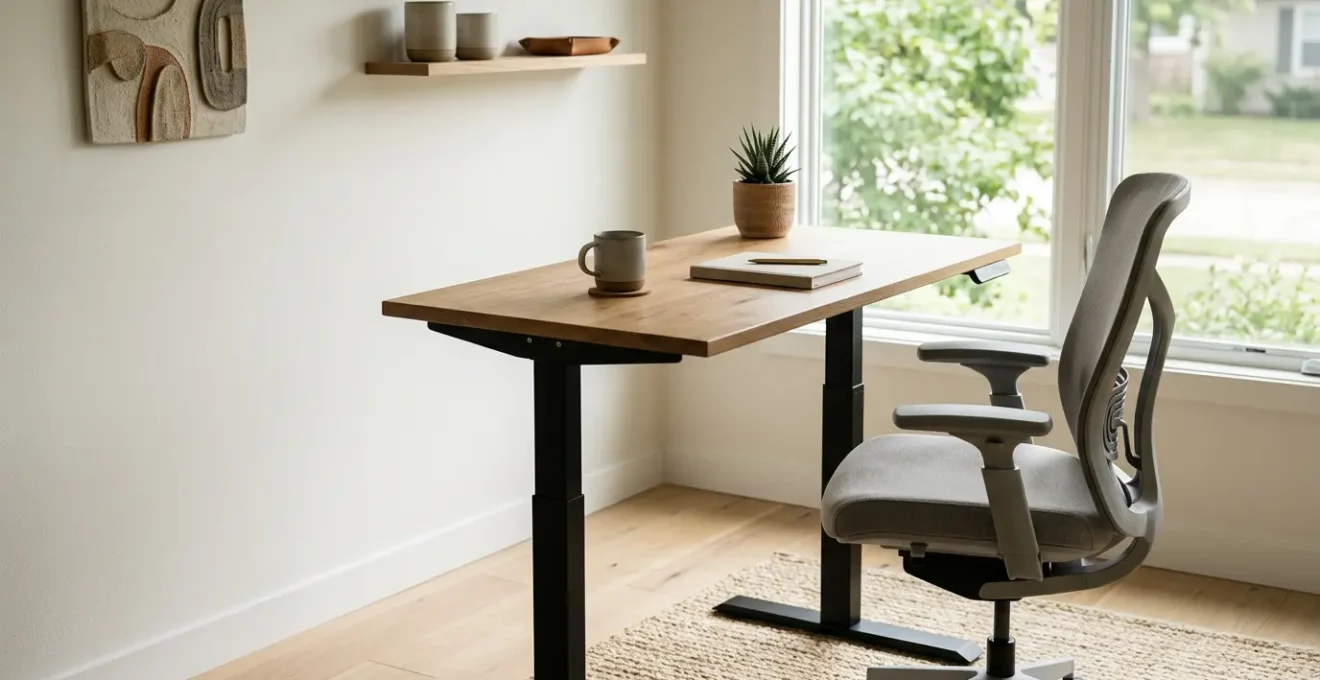
The choice between a standing desk and an ergonomic chair is the wrong question to ask for solving back pain.
- The true enemy is static posture—holding any single position for too long—not the act of sitting or standing itself.
- Effective ergonomics is an ecosystem of small adjustments (monitor height, foot support) and dynamic habits, not a single expensive purchase.
Recommendation: Focus on building micro-habits for postural variability throughout the day to actively prevent the onset of pain.
That persistent, dull ache in your lower back has become an unwelcome part of your workday. You’ve likely considered the two most common solutions: investing in a high-end ergonomic chair or switching to a standing desk. The internet is filled with articles debating the pros and cons of each, often concluding with the vague advice to “find what works for you” or simply “alternate between both.” This debate, however, completely misses the fundamental cause of your discomfort.
The problem isn’t sitting, and it isn’t standing. The true culprit is stillness. The human body is designed for movement, and when forced into any single position for prolonged periods, it suffers from what ergonomists call static loading. This sustained tension on your muscles, ligaments, and spinal discs is what leads to pain, stiffness, and long-term injury, regardless of whether you’re in the “perfect” chair or standing on an anti-fatigue mat.
This guide reframes the entire discussion. We will not declare a winner in the desk-versus-chair battle. Instead, we will empower you with a new, more effective framework for thinking about workplace wellness. You will learn that the solution isn’t a single piece of equipment, but a dynamic system you create. It’s an ecosystem of small environmental tweaks and powerful, science-backed micro-habits that protect your entire body—from your eyes and wrists to the base of your spine.
By exploring the interconnectedness of your body and workspace, we will move beyond simplistic solutions. We will debunk common ergonomic myths, provide no-cost setup hacks you can implement immediately, and introduce a powerful framework for building pain-preventing habits that become as automatic as breathing.
Summary: Standing Desk or Ergonomic Chair: Which Is Better For Lower Back Pain?
- The “Eye Level” Mistake That Causes Tension Headaches
- Numbness or Pain: How To Detect Wrist Damage Before It Requires Surgery?
- The 20-20-20 Rule: Does It Really Save Your Eyesight?
- How To Make Your Kitchen Chair Ergonomic With A Towel?
- Why “Sitting Is The New Smoking” Is Not An Exaggeration?
- Why Looking Down At Your Phone Adds 60 Pounds Of Pressure To Your Spine?
- How To Add Flossing To Your Routine Without Relying On Willpower?
- How To Manage Chronic Neck Pain Without Relying On Painkillers?
The “Eye Level” Mistake That Causes Tension Headaches
One of the most frequently repeated pieces of ergonomic advice is to position your monitor at “eye level.” This is often misinterpreted, leading directly to neck strain and tension headaches. Most users place the top of their monitor at eye level, forcing them to tilt their head back slightly to view the center of the screen. This seemingly minor tilt puts the suboccipital muscles at the base of the skull under constant, low-grade tension, a primary trigger for cervicogenic headaches.
The correct ergonomic principle is to position the screen so that your natural, relaxed gaze falls on the top third of the display. For most users, this means the center of the monitor should be positioned 15 to 20 degrees below horizontal eye level. This slight downward angle allows your neck to remain in a neutral, relaxed position, minimizing muscular effort. It also aligns with how our eyes are naturally built to function, as they are most comfortable viewing objects at a slight downward declination.
To test your setup, sit back in your chair and close your eyes for a moment. When you open them, your gaze should land naturally within the top quarter of your screen without you having to consciously move your head or eyes. If you find yourself looking up or straight ahead, your monitor is too high. This single adjustment can have a profound impact on reducing end-of-day neck fatigue and the frequency of tension headaches.
Numbness or Pain: How To Detect Wrist Damage Before It Requires Surgery?
That tingling sensation in your thumb and index finger, or a dull ache in your wrist after a long day of typing, is more than just a minor annoyance. It’s your body’s early warning system for potential nerve compression. Carpal Tunnel Syndrome (CTS), a condition caused by pressure on the median nerve in the wrist, is a significant occupational hazard for office workers. In fact, a 2024 meta-analysis found a 14.4% overall prevalence of CTS among the general population, with desk-based work being a major contributor.
Ignoring these early symptoms can lead to progressive nerve damage, loss of grip strength, and eventually, the need for surgical intervention. The key to prevention is early detection. Fortunately, you can perform two simple orthopedic tests at home to assess for signs of median nerve compression. These are the same provocative maneuvers a clinician would use in an initial assessment. A positive result does not equal a diagnosis but is a strong indicator that you should seek a professional medical evaluation.
Perform these tests gently. The goal is to reproduce your symptoms, not to cause sharp pain. If you experience significant discomfort, stop immediately. Documenting your findings—which fingers are affected, the intensity of the sensation, and how long it lasts—will provide valuable information for a healthcare provider. Early intervention, often involving ergonomic adjustments and specific exercises, can halt the progression of wrist damage and help you avoid more invasive treatments down the line.
Your Two-Step Home Assessment for Wrist Strain
- Phalen’s Maneuver: Gently press the backs of your hands together, with your fingers pointing down and your wrists fully flexed. Hold this position for 60 seconds. A positive result is the onset of tingling, numbness, or a “pins and needles” sensation in your thumb, index, middle, or the thumb-side half of your ring finger.
- Tinel’s Sign: Use the fingertips of your opposite hand to gently but firmly tap over the center of your inner wrist, where a watch band would sit. A positive result is a tingling or mild “electric shock” sensation that radiates into the same fingers.
- Document and Monitor: Note which test was positive and the exact symptoms you felt. If either test is positive and your symptoms have persisted for more than two weeks, it is crucial to schedule an appointment with a physician or physical therapist for a formal evaluation.
The 20-20-20 Rule: Does It Really Save Your Eyesight?
The 20-20-20 rule is simple and widely recommended: every 20 minutes, look at something 20 feet away for 20 seconds. It’s promoted as the go-to solution for digital eye strain. The underlying theory is that it gives your ciliary muscles—the tiny muscles inside your eyes that control focus—a much-needed break from the strain of constant close-up work. But does it truly prevent long-term vision problems or even alleviate symptoms effectively?

Recent evidence suggests the direct benefits might be overstated. For instance, a 2023 randomized study found no significant effect of the 20-20-20 rule on reported symptoms of eye strain, reading speed, or task accuracy. This doesn’t mean the rule is useless, but its primary value may not be what we think. From a holistic ergonomic perspective, its greatest benefit is not physiological, but behavioral. The 20-20-20 rule is an excellent neuromuscular reset prompt.
It acts as a scheduled interruption that breaks the cycle of static loading, not just for your eyes, but for your entire body. When you look away from your screen, you are prompted to also shift your posture, roll your shoulders, or stretch your neck. It’s a built-in reminder to introduce postural variability. Therefore, you shouldn’t view the rule as a magic bullet for eye health, but rather as a powerful tool for habit formation. It’s a trigger to break the trance of focused work and re-engage with your body and its position in space, preventing you from remaining locked in one posture for too long.
How To Make Your Kitchen Chair Ergonomic With A Towel?
The belief that you need an expensive, multi-lever ergonomic chair to achieve a healthy posture is a myth. While high-end chairs offer excellent adjustability, you can replicate their most critical functions using simple household items. This is proof of our core principle: it is your behavior and understanding of support, not the price tag of your equipment, that dictates your ergonomic success. A kitchen chair, when properly modified, can often provide better support than a $1,000 chair used incorrectly.
The goal is to create a “tripod of support” that maintains the natural S-curve of your spine. This involves three key points of contact: your feet on the floor, your buttocks on the seat, and your lower back against the lumbar support. When any of these are misaligned—for example, if your feet are dangling or your lower back is rounded—the entire spinal structure is compromised, leading to strain. You can easily create this supportive ecosystem with a bath towel, a few books, and a cushion.
The following steps will guide you in transforming any basic chair into a functional ergonomic seat. This approach is not just a temporary fix for remote work; it’s a lesson in applied ergonomics. It teaches you to feel what proper support is, enabling you to adjust any seating environment you find yourself in, from an airport lounge to a hotel room. This is about empowering you with knowledge, not making you dependent on a specific product. As a practical guide, the following checklist from ergonomic specialists at Hopkins Medicine provides a clear, actionable plan.
Your Action Plan: The Three-Step DIY Ergonomic Setup
- Create Lumbar Support: Roll a bath towel to a diameter of about 3-4 inches. Place it vertically in the small of your back, right at your belt line, to support the natural inward curve (lordosis) of your lumbar spine. The towel should feel supportive, not push you forward. Adjust its thickness until it perfectly fills the gap.
- Establish a Footrest: If your feet don’t rest flat on the floor with your knees at a 90-degree angle, your pelvis will tilt backward, flattening your lumbar spine. Prevent this by placing a stack of sturdy books, a yoga block, or a small box under your feet until your thighs are parallel to the floor.
- Adjust Seat Height: If your knees are higher than your hips, it forces your spine into a C-shape. Place a firm cushion or a folded blanket on the seat to raise your hips so they are level with or slightly higher than your knees. This simple elevation is crucial for maintaining a neutral pelvic position.
Why “Sitting Is The New Smoking” Is Not An Exaggeration?
The phrase “sitting is the new smoking” can sound like hyperbole, but from a physiological standpoint, it is a chillingly accurate comparison. While the mechanism of harm is different, the scale of the negative health impact caused by a sedentary lifestyle is comparable to that of smoking. The danger lies not in the act of sitting itself, but in the prolonged, uninterrupted periods of physical inactivity that define the modern workday. This is the essence of static loading.
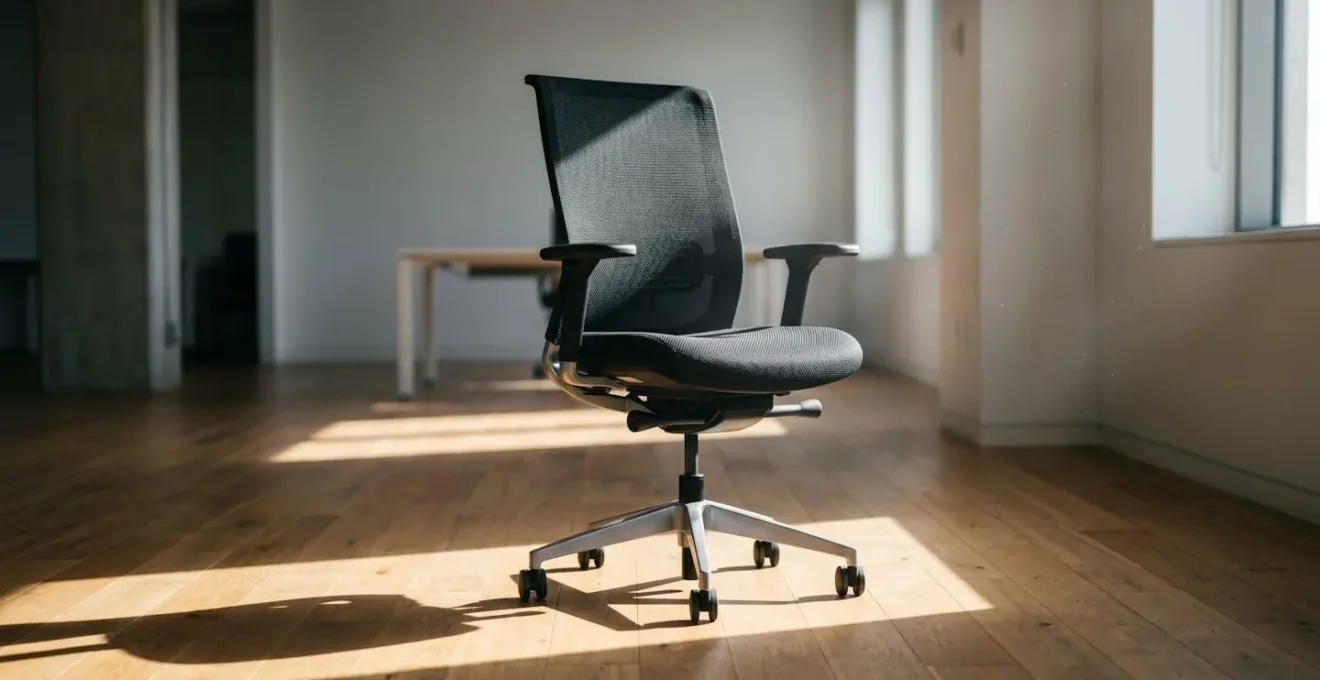
When you remain seated for hours, a cascade of negative metabolic events occurs. Electrical activity in your leg muscles shuts off. Your circulation slows, particularly in the lower body, increasing the risk of blood clots. The rate at which your body burns calories plummets to about one per minute. More critically, the enzymes responsible for processing fats and triglycerides, like lipoprotein lipase, see their effectiveness drop significantly. This leads to higher levels of fat in the bloodstream, contributing to an increased risk of heart disease, type 2 diabetes, and certain types of cancer.
This is why an hour at the gym does not fully negate eight hours of sitting. While exercise is vital, it cannot completely reverse the metabolic damage done by prolonged inactivity. The comparison to smoking is therefore not about the direct carcinogenic effect, but about the profound, systemic health risk posed by a universally common behavior. Just as smoking was once considered a normal part of life, prolonged sitting is now a deeply ingrained habit that actively undermines our long-term health, one static hour at a time.
Why Looking Down At Your Phone Adds 60 Pounds Of Pressure To Your Spine?
The human head weighs approximately 10 to 12 pounds in a neutral, upright position. However, for every inch you tilt your head forward, the effective weight on your cervical spine increases exponentially. This is simple physics: the lever arm gets longer, and your posterior neck muscles must work much harder to hold your head up. When you drop your head to look at a smartphone—a posture often called “text neck”—the angle of flexion can reach 60 degrees. At this angle, the force exerted on your spine is equivalent to carrying 60 pounds, or the weight of an average eight-year-old child, around your neck.
This immense and repetitive strain has consequences that extend beyond the neck. It can lead to muscle fatigue, disc herniation, and nerve pain that radiates down your arms. Crucially, it also disrupts the entire kinetic chain of your body. To compensate for the forward head posture, your upper back may round and your hips may tilt, contributing to the lower back pain that so many office workers experience. Indeed, research on office workers who spend extended hours seated shows a one-year prevalence of lower back pain between 31% and 51%.
The real danger is not looking at your phone once, but the cumulative load over hundreds of interactions per day. The solution is not to stop using your phone, but to change your relationship with it. This involves a two-pronged approach: first, reducing the load by raising your phone to eye level whenever possible, and second, actively counteracting the forward-flexion pattern with targeted reset exercises. By implementing simple protocols, you can fight the adaptation of your tissues to this damaging posture and retrain your body’s default alignment.
How To Add Flossing To Your Routine Without Relying On Willpower?
In this context, “flossing” is a metaphor. It represents any small, crucial, and often-neglected preventative habit—like a 30-second postural reset, a quick wrist stretch, or a moment of mindful breathing. We know these things are good for us, yet we consistently fail to do them. Why? Because we rely on willpower and motivation, which are finite and unreliable resources. The key to lasting change is not more discipline, but better design. It’s about engineering habits into your existing routine so they become automatic.
The world-renowned Stanford behavior scientist BJ Fogg provides a powerful and simple model for this. He states that for a behavior to occur, three things must converge at the same moment: Motivation, Ability, and a Prompt. The formula is simple:
Behavior = Motivation + Ability + Prompt
– BJ Fogg, Tiny Habits behavioral framework
Most attempts at change fail because we focus on the hardest element: motivation. The secret is to instead focus on the other two. First, make the behavior incredibly easy (high Ability), and second, link it to an existing, reliable habit (a clear Prompt). Instead of trying to commit to a “10-minute stretching routine every day,” start with something laughably small, like “do one shoulder roll.” Then, anchor this tiny habit to an existing one, like “After I hang up a phone call, I will do one shoulder roll.” The phone call ending is the prompt that triggers your new, easy behavior. This process of micro-habit engineering bypasses willpower entirely.
Key Takeaways
- The primary cause of workplace pain is static posture (prolonged stillness), not the specific act of sitting or standing.
- Frequent, small movements and postural changes (postural variability) are more effective at preventing pain than a single block of exercise.
- You can create a highly effective ergonomic setup using everyday household items; understanding ergonomic principles is more important than owning expensive equipment.
How To Manage Chronic Neck Pain Without Relying On Painkillers?
When neck pain transitions from an occasional ache to a chronic condition, the rules of the game change. For many, the pain persists even after the initial tissue strain should have healed. This is often because the problem is no longer just in the muscle or joint, but in the nervous system itself. Painkillers may mask the symptom, but they do nothing to address the underlying hypersensitivity that has developed.
This phenomenon, known as central sensitization, is a key concept in modern pain science. It describes a state where the central nervous system goes on high alert, becoming overprotective. It starts to interpret normal sensations and minor movements as threatening, amplifying them into significant pain signals. Your brain is essentially turning up the “volume” on the pain alarm.
Case Study: Understanding Central Sensitization
Chronic pain specialists observe that persistent neck pain often involves an overprotective nervous system. As explained by the clinicians at Spine & Rehab Specialists, after an initial injury, the nervous system can become hypervigilant, a state called central sensitization. This explains why someone with chronic pain might feel severe discomfort from a minor head turn that wouldn’t bother others. The treatment focus must shift from “fixing damaged tissue” to “calming the overprotective nervous system.” This is achieved with techniques like graded exposure therapy and activating the body’s relaxation response (the parasympathetic nervous system) through controlled breathing, which retrains the brain to feel safe with movement again.
Therefore, effective management of chronic neck pain without medication involves learning to “turn down the volume” of this alarm system. This requires strategies that directly target the nervous system, teaching it to feel safe again. It’s a process of down-regulation and retraining. Techniques like diaphragmatic breathing activate the parasympathetic nervous system, the body’s “rest and digest” mode, which acts as a natural counterbalance to the “fight or flight” stress response that drives pain. Paired with graded exposure—gently and incrementally reintroducing movements you’ve come to fear—you can gradually prove to your brain that movement is safe, breaking the chronic pain cycle.
Now that you understand these ergonomic principles, the next step is to conduct a personal audit of your own workstation and daily habits. Use these strategies to proactively build a more dynamic and pain-free work life, starting today.